
usbdac for Android#
Add direct USB DAC playback to your Android audio app. With direct USB, your
app can play PCM, DoP or native DSD, control the DAC's hardware volume and
report whether the stream is bit-perfect. For PCM playback across devices,
OutputSelector gives your app a single interface and reports which route it
opened and what it could verify.
- Add
dev.usbdac:usbdacwith Gradle for Android apps. The AAR bundles native code for all four Android ABIs. Android quickstart - Add
usbdac-corewith Cargo for Rust apps on Android or Linux that manage USB access themselves. Crate on crates.io
The shared USB Audio implementation now includes UAC3 and BADD, PCM capture and duplex, channel layouts, verified clock selection and restoration, and standard routing controls. Native DSD uses standard UAC3 packing or a resolved legacy layout; DoP capability reports a feasible PCM carrier. See the implementation ledger, release validation scope and device compatibility candidates. For support captures, use the USB playback report guide.
Where to start#
| If you want to ... | Read |
|---|---|
| Write the Kotlin code for USB output in an Android app | The Kotlin guide |
| Use the Rust driver directly, on Android or Linux | The Rust guide |
| Add bit-perfect USB output to a player | The integration guide, then getting started |
| Apply AutoEq headphone correction or a user profile | Passage Profiles |
| Understand why it behaves as it does, and what the other open-source drivers do differently | Design decisions, the drivers studied |
| See what is proven and what is not | Hardware validation, evidence and status |
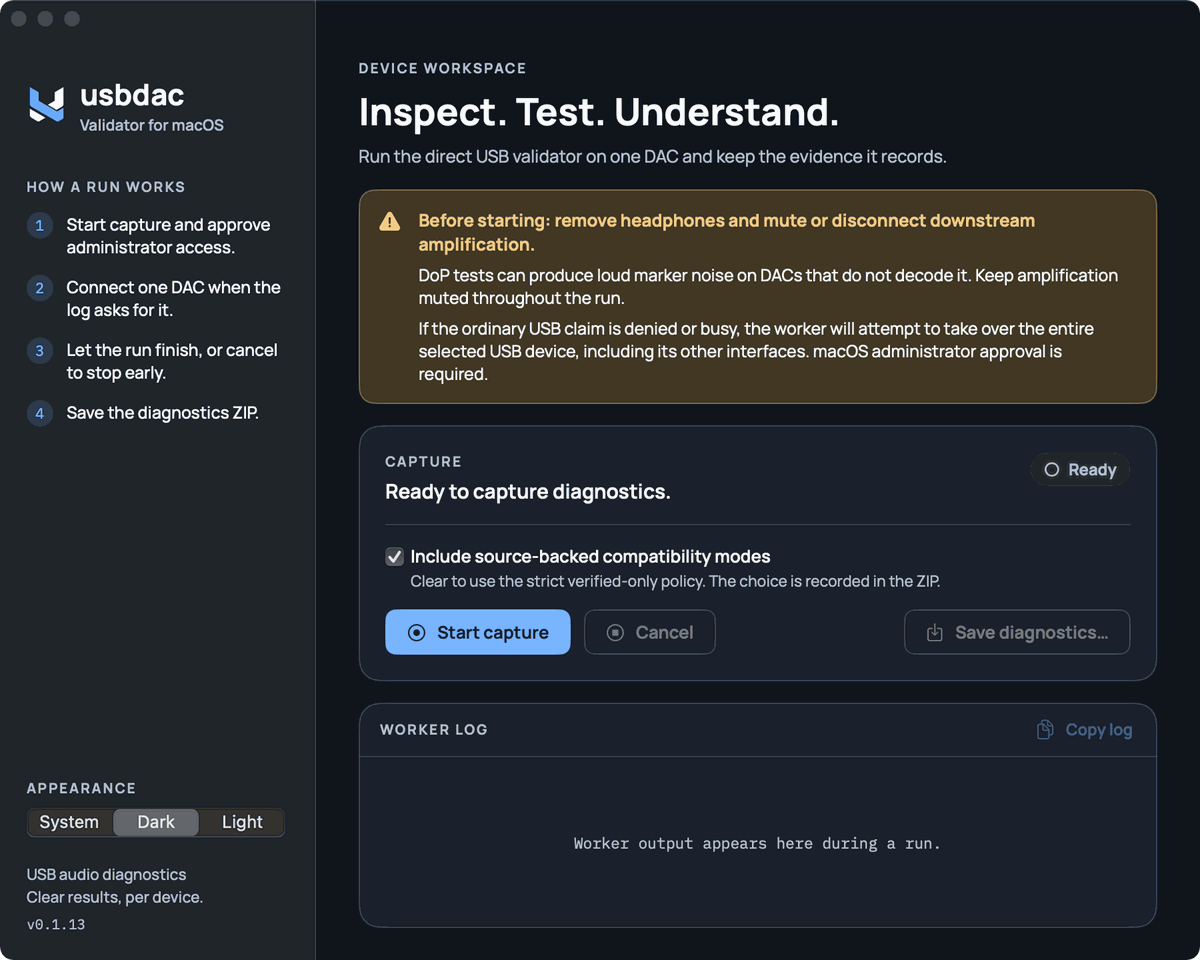
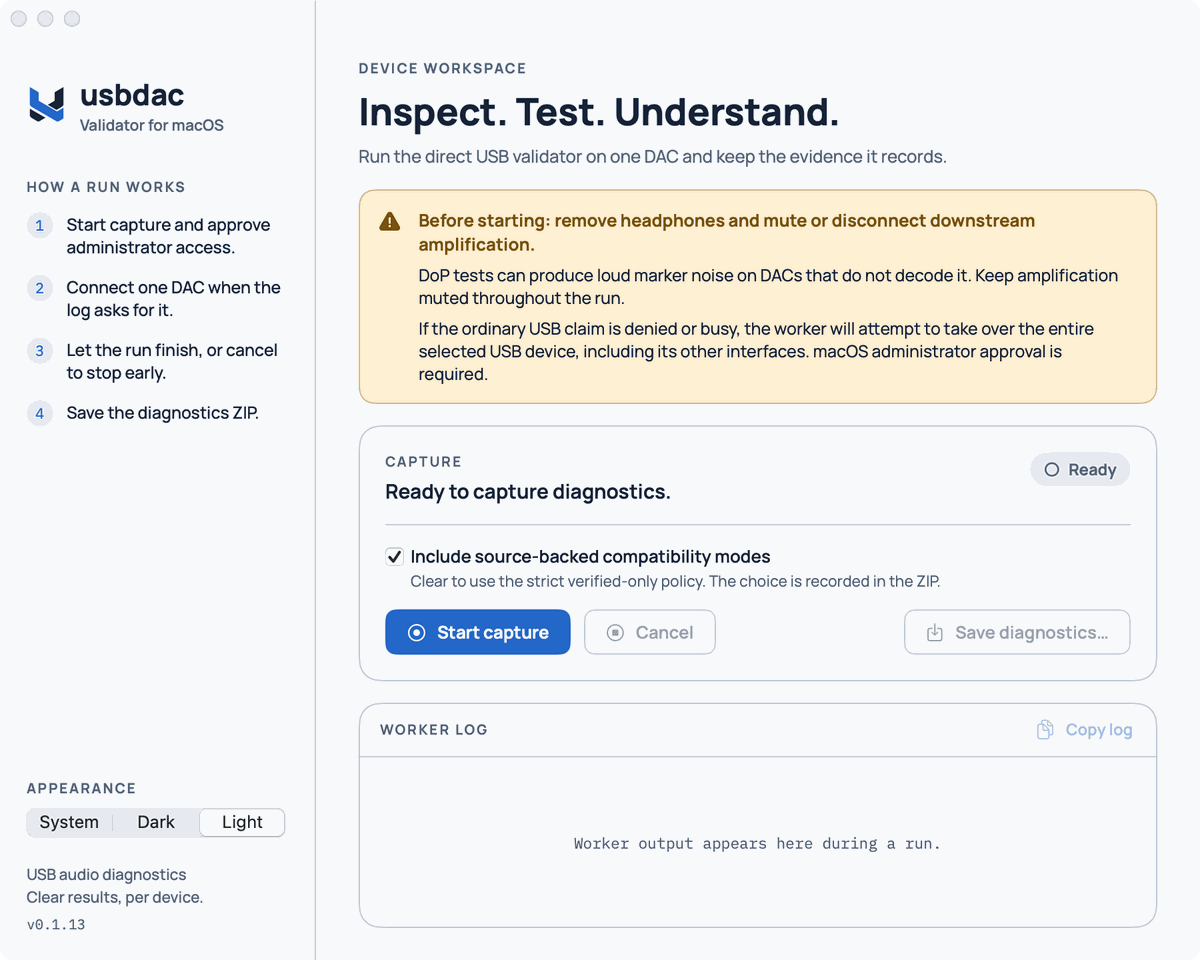
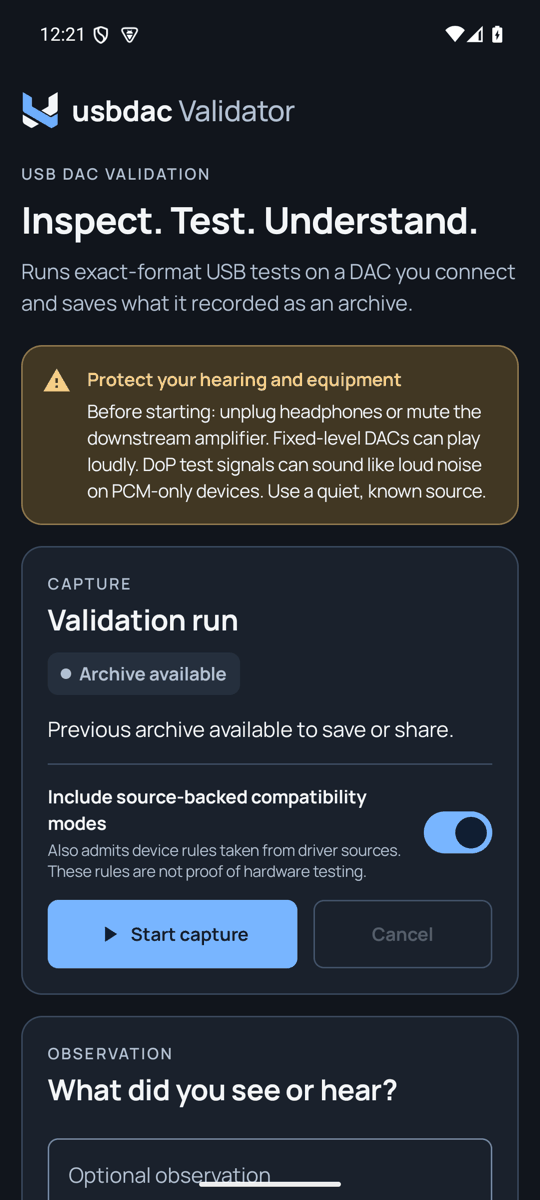
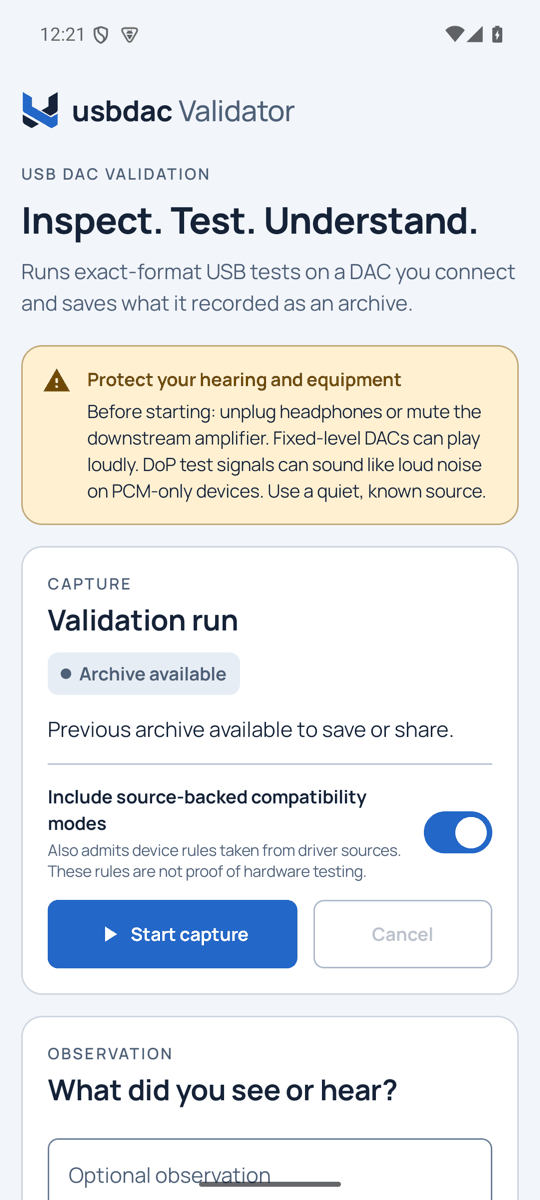
| Test a DAC yourself | DAC Validator |
| Learn how the code is organised | Architecture, and USB audio in a page if the terms are new |
| Find a setting or an error code | Controls and configuration, troubleshooting |
| Add an in-app report flow for USB playback problems | Collect a USB playback support report |
Playback routes#
- Direct USB. The library takes the DAC away from Android's audio stack and drives it itself: it sets the DAC's clock, sends the samples in the DAC's own format over isochronous USB transfers, paces them with explicit feedback or packet counts from a compatible shared-clock IN stream, and reports whether the output is bit-perfect. It also controls the DAC's own hardware volume. The USB Audio Class driver is written in Rust and sits behind a small JNI layer (
libusbdac.so). - Android-managed. An
AudioTrackat the source's own rate and bit depth, through Android's audio stack, behind the samePcmOutputinterface. On Android 14 and later the library asks the platform for its bit-perfect mixer behavior for a USB device. This is the route for apps that must not take the DAC away from the rest of the system. - AAudio exclusive. An AAudio stream in exclusive mode at the source's own rate, channel count and sample format, behind the same interface. This is the route for players with an internal DAC: it asks the platform to bypass the app mixer, and reports exactly what was granted. It is never reported bit-perfect-verified, because an app cannot see past AAudio.
Status#
This guide covers usbdac 0.1.26.
- Software coverage is recorded by revision. Rust and Kotlin tests cover protocol and control behavior without a DAC; Android checks and builds cover the library and sample for four processor types. See the release validation scope for the limits of those checks and for the QEMU playback check, which ran in a virtual machine and not on a DAC.
- Hardware testing is still limited. The OnePlus 15 passed exact-format USB delivery bit-perfect on eight DACs, including native DSD up to DSD512 on the iBasso DC04U and SMSL USB AUDIO under the source-backed quirk policy. The SMSL A50 Pro passed its UAC1 16-bit stereo legs at 44.1 and 48 kHz on Android and Apple Silicon macOS. The 166 exact-format cases include 121 PCM, 26 DoP carrier and 19 native DSD. The captures verify USB transport. Earlier builds played the AP80 Pro-X and the DC04U in the SDK sample and in Flick. Implicit feedback, UAC3 and BADD, capture and duplex, routing controls, DoP decoding by the DAC, Android-managed output, AAudio and macOS high-rate playback still need physical verification. Hardware validation, hardware status
- Validators. Each release from 0.1.11 on includes an Android validator APK and an Apple Silicon macOS validator (a DMG from 0.1.22, a ZIP before), built from the same commit as the library. They run the direct USB format tests on one attached DAC and save a report ZIP. The APK is signed with the pinned validator key, so releases after 0.1.20 install over each other, and from 0.1.22 the macOS app is Developer ID signed and notarized (earlier ZIPs were ad hoc signed). See the validator guide and the validator design.
Which transport to use#
Direct USB (DacStream) |
Android-managed (AndroidManagedOutput) |
AAudio exclusive (AAudioExclusiveOutput) |
|
|---|---|---|---|
| Where the audio goes | Straight to the DAC over usbfs | Through the platform mixer to whatever Android routes to | An exclusive AAudio stream to the chosen output, bypassing the app mixer when the platform grants it |
| Bit-perfect | Verified by the library, with a reason when it is not | Not verifiable. Android 14+ with a USB device: requested from the platform. Otherwise unknown | Never verified; NotVerified with the grant's exact reason |
| Volume | The DAC's hardware volume (DacVolume). The system volume has no effect |
The system volume | The system volume |
| DSD | DoP and native DSD | PCM only | PCM only |
| Other apps and system sounds | The DAC is not available to them while the session is open | Unchanged. They share the output | An exclusive stream keeps the device; others may be refused or silenced |
| Needs | USB host mode, USB permission per device, a DAC that follows the USB Audio Class | Any Android 8.0+ device. 24-bit and 32-bit PCM need Android 12 | Any Android 8.0+ device whose route grants exclusive mode. 24-bit and 32-bit integer PCM need Android 12 |
| Buffering | A ring of 250 ms by default, flushed on seek | An AudioTrack buffer of 250 ms |
A ring of 250 ms by default, flushed on seek, in front of AAudio's own few milliseconds |
Choose direct USB when bit-perfect output, DSD or the DAC's hardware volume matters and the app can own the DAC while it plays. Choose AAudio exclusive for a device with an internal DAC when bypassing the app mixer matters. Choose managed for a DAC that other apps must keep using, or as the fallback when a DAC cannot be driven directly or the platform refuses an exclusive stream. An app can offer all three through the shared PcmOutput interface; transports has the details.
Most apps do not need to choose. OutputSelector looks at the attached DAC, the USB permission, where Android sends the sound and what the platform grants, and returns one ready PcmOutput with the reason and the guarantee that applies. It tries direct USB, then Android's bit-perfect mixer, then an exclusive AAudio stream, then the standard output; automatic output gives the exact order and what each guarantee means.
What is in the SDK#
| Type | What it is for |
|---|---|
UsbDac |
Finds attached DACs, asks for USB permission, watches hot-plugging, opens a DacSession for playback (open, or openDuplex for playback and capture) or a DacCaptureSession for capture only (openCapture) |
DacSession |
An open DAC: capabilities, negotiate, the playback DacStream or a DacDuplexStream, DacVolume, standard routing controls (routing), state and events |
DacStream |
The direct output: write, play, pause, flush, drain, position, latency, statistics, bit-perfect state |
DacCaptureSession, DacCaptureStream, DacDuplexStream |
PCM capture from a DAC or audio interface, alone or together with playback: exact-format requests, channel maps, read, counters |
DacVolume |
The hardware volume: level in dB or on a 0..1 curve, steps, mute, hand-back |
OutputSelector, OutputPolicy, OutputDecision, SelectedOutput |
Automatic output: looks at the device, chooses one of the outputs below, and returns it ready with the reason, the guarantee and the alternatives it rejected. changes says when to look again |
OutputHandoff |
Optional coordination of a track change or a USB reconnect: drains the old output, closes it, opens the next and keeps the media position (automatic output) |
PcmOutput |
The interface DacStream, AndroidManagedOutput and AAudioExclusiveOutput share |
AndroidManagedOutput |
The managed transport |
AAudioExclusiveOutput |
The AAudio exclusive transport: AAudioConfig options, the AAudioGrant the platform gave, AAudioEvents |
ConversionPlan, PcmConverter, ConvertingOutput |
Conversion in front of any output: a rate the DAC refuses, a depth it lacks, mono to stereo. Classified NONE, BIT_EXACT, LOSSLESS or LOSSY; not bit-perfect unless the first two. OutputSelector uses it by default (OutputPolicy.allowConversion); DacStream never converts on its own |
DacConfig |
Every tunable of a session: buffer depths, the USB queue, clock policy, DSD options, quirks, hand-back, the feedback support capture |
dev.passage.profiles |
PassageProfiles (catalogue search, profile JSON, wrap), ProfileOutput, ProfileCurve and the SignalPath helper for AutoEq headphone correction (Passage Profiles) |
dev.usbdac.controls |
DacVolumeKeys (volume keys), DacVolumeProvider (system volume panel), DacIdleRelease (close the stream after a long pause) |
The API reference is generated from the KDoc. The Rust API, the JNI contract and the sample layouts are in the native API document.
Requirements#
- Android 8.0 (API 26) or later. The library is built with Kotlin 2.4 at language level 2.2, and its only dependency is
kotlinx-coroutines-core. - Direct USB needs USB host support on the device and a compatible USB Audio Class 1.0, 2.0 or 3.0 device (UAC3 includes the BADD profiles). Capture and duplex use explicit input APIs and claims;
OutputSelectorselects PCM playback outputs. libusbdac.sois built for arm64-v8a, armeabi-v7a, x86_64 and x86 (about 3.5 MB uncompressed for arm64-v8a at 0.1.5, measured on a localcargo ndkrelease build). The arm64-v8a build links only against the system'sliblog,libdl,libmandlibc(AAudio is opened at run time withdlopen, so there is no link-time dependency onlibaaudio), and its segments are aligned for 16 KB pages.- One owner per physical attachment; separate attachments can have independent sessions.
The guide#
The pages come in six groups, in the navigation order.
Start. What usbdac improves: every change from the driver it started from, in technical and in plain terms. DAC Validator: the Android and macOS apps, how to run one and what the report contains.
Integrate.
- The Kotlin guide and the Rust guide: the code for each language.
- The integration guide: what you take on, the ways to integrate, the order of the work.
- The player engine: what to hand over, the writer, seek, position, processing, DSD.
- App, service and settings: permission, lifecycle, settings, volume, the status display, failures, testing, release.
- Passage Profiles: AutoEq headphone correction, the profile document, bass/treble/max gain, the correction graph and the “bit-perfect is a result” signal path.
- Collect a USB playback support report covers the listener flow and Kotlin and Rust export APIs.
- Getting started: the dependency, the manifest, and the quickest way to audio; then permission, open, negotiate, the write loop, pause and seek by hand.
- Automatic output: what the selector detects, the order it chooses in, what each guarantee means, the one setting that is the listener's, when to look again, and the handoff helper.
- Media3: the optional
usbdac-media3artifact and itsAudioSinkintegration.
Design decisions. All decisions at a glance, then five pages with the question, what Flick, Mornye and BitChord do, what usbdac does, the evidence, the trade-off and the public references for each: streaming and buffering, clock and pacing, volume, reporting and conversion, DSD conversion, outputs and library shape.
How it works. Architecture: the layers, the modules, the life of a sample, the threads. USB audio in a page: the background the decisions assume.
Use. Controls and configuration (every option and control, with its default, its effect and its effect on bit-perfect output), bit-perfect output (what the flag means, when it turns false, DSD, MQA), transports (direct USB, the Android-managed output and exclusive AAudio, side by side) and troubleshooting (error codes and a checklist for "nothing plays").
Evidence. Hardware validation (the structured matrix and the A50 Pro case), the three drivers studied, evidence and status and public references.
The sample app in android/sample is the worked example for all of it. The code in this guide is taken from it, except where a block says it is not.