Formatter Getting Started
If you want the why and the recommended template shape, start with Universal Formatter first. This page is the portal-side workflow for editing and previewing a template.
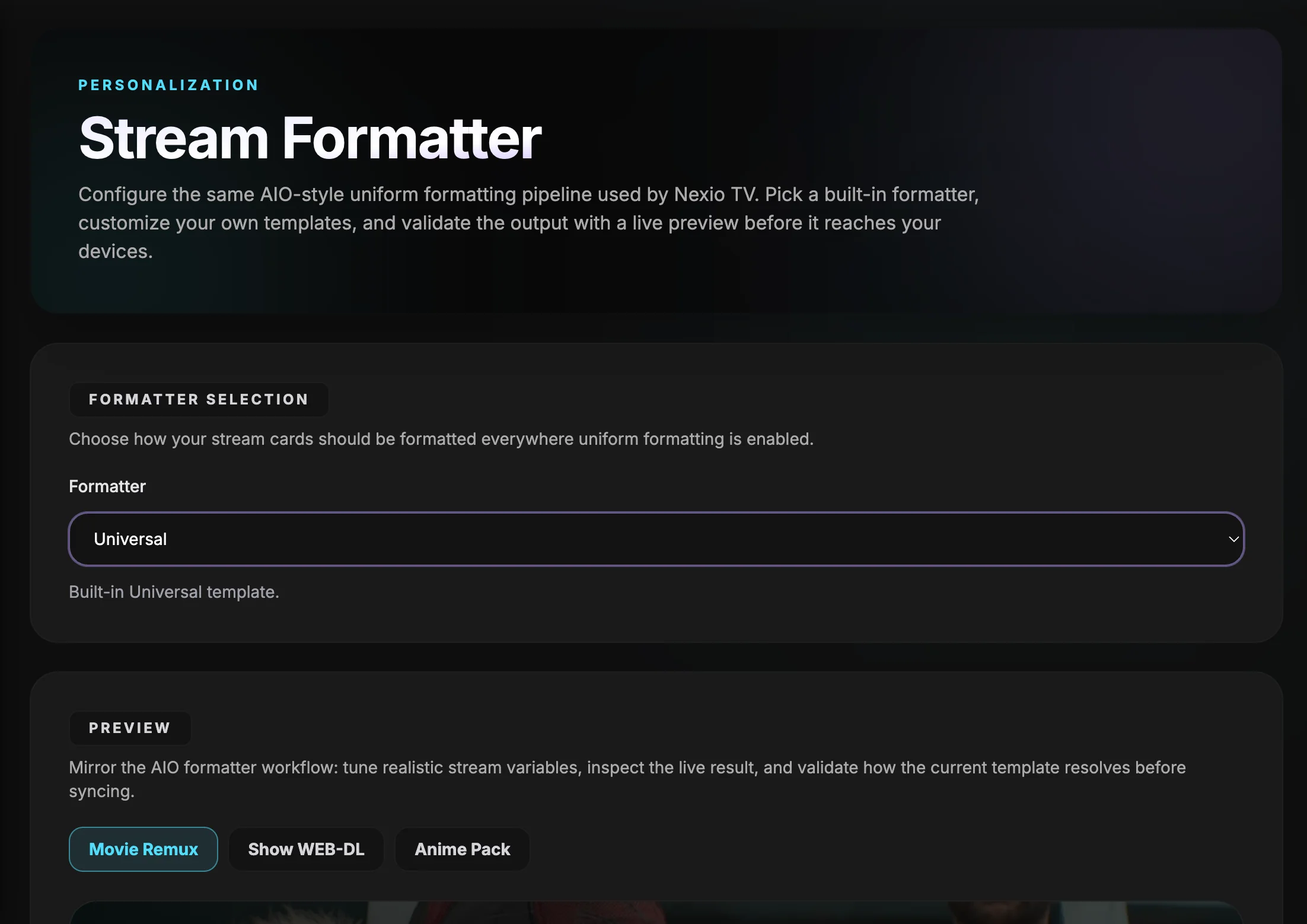 The Stream Formatter workspace combines formatter selection, custom templates, and a live preview in one flow.
What the portal does
- select a built-in preset or switch to Custom
- edit the name and description templates
- preview against sample streams
- import or export a template
- apply the changes when the preview looks right
A practical first edit
A safe starting point is to show the parsed title, then add the year only when it exists.
{stream.title::exists["{stream.title::title}"||"?"]}{stream.year::exists[" ({stream.year})"||""]}That pattern keeps optional data from producing messy output.
When to use built-ins
The built-in presets are useful when you want a proven layout before you move into a custom template. Universal is the cleanest starting point for most accounts because it keeps the same structure across addons.
Custom icons and badges
Inline icon tokens are the easiest way to keep cards readable without losing meaning.
- Use icons for resolution badges, audio badges, HDR badges, and service logos.
- Use the same icon style for provider and debrid badges so the line stays compact.
- Combine icons and text when you want a fallback that still reads clearly on smaller screens.
If you are building your own formatter, the same icon tokens are available in custom templates.
Practical preview tips
- Try a movie, a show, and an anime-style sample before you save.
- Toggle cached, library, private, and proxied flags to see what the card does in edge cases.
- Use the advanced preview controls when you want to check scores or SeaDex-related output.
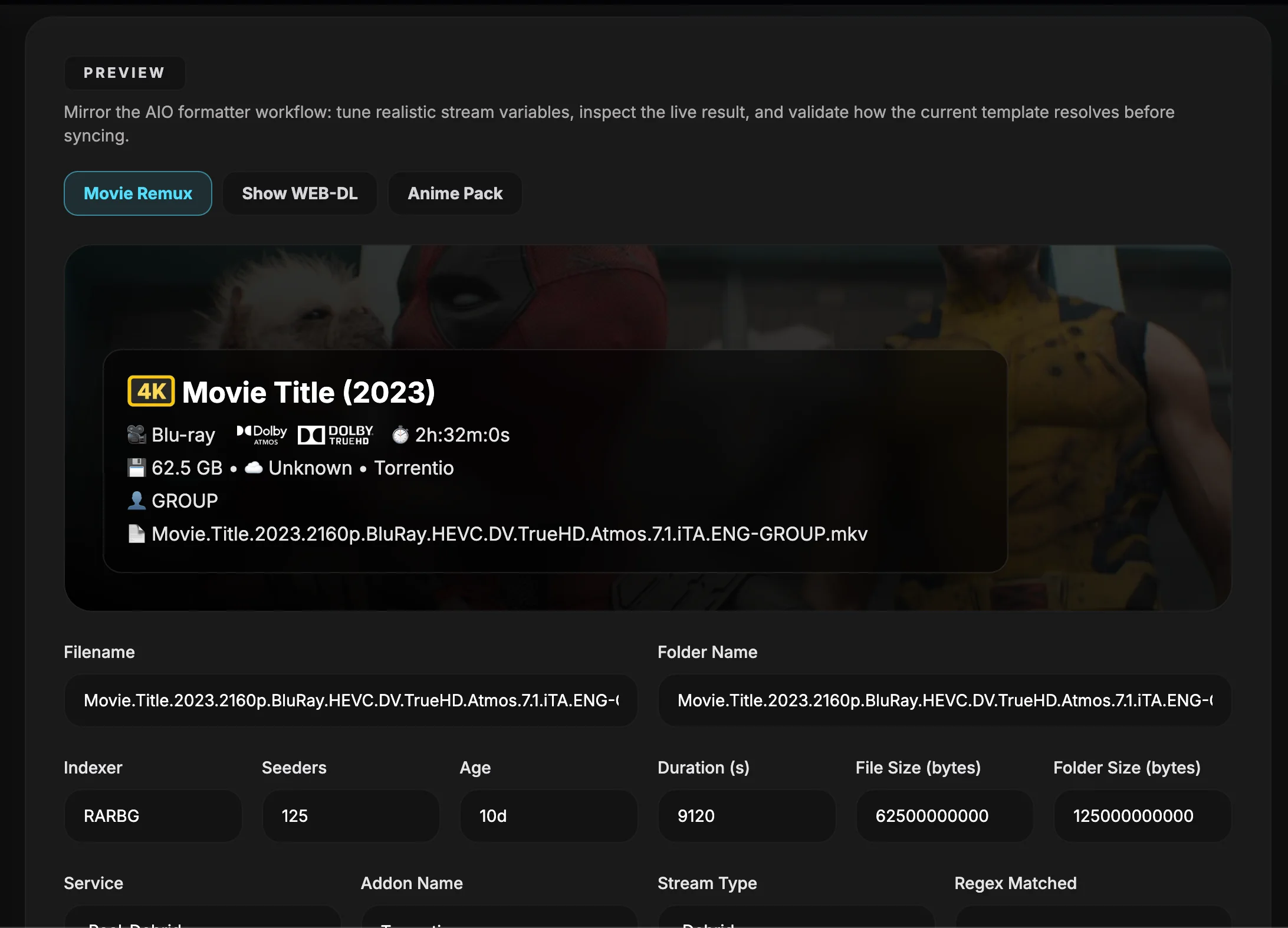 The live preview lets you validate how the active formatter resolves against realistic stream metadata before you sync it to devices.
A simple rule of thumb
- If the formatter is making cards harder to scan, shorten it.
- If it is too bare, add one signal at a time until the card is useful again.
- If two fields tell the same story, keep the clearer one.
Next page
Use Formatter Reference when you want the full variable and modifier list.