Integrations
Most users should start with the app-first guides in Integrations. This page keeps only the portal-specific reference that is still useful when you need to manage account-wide settings, secrets, or validation from the website.
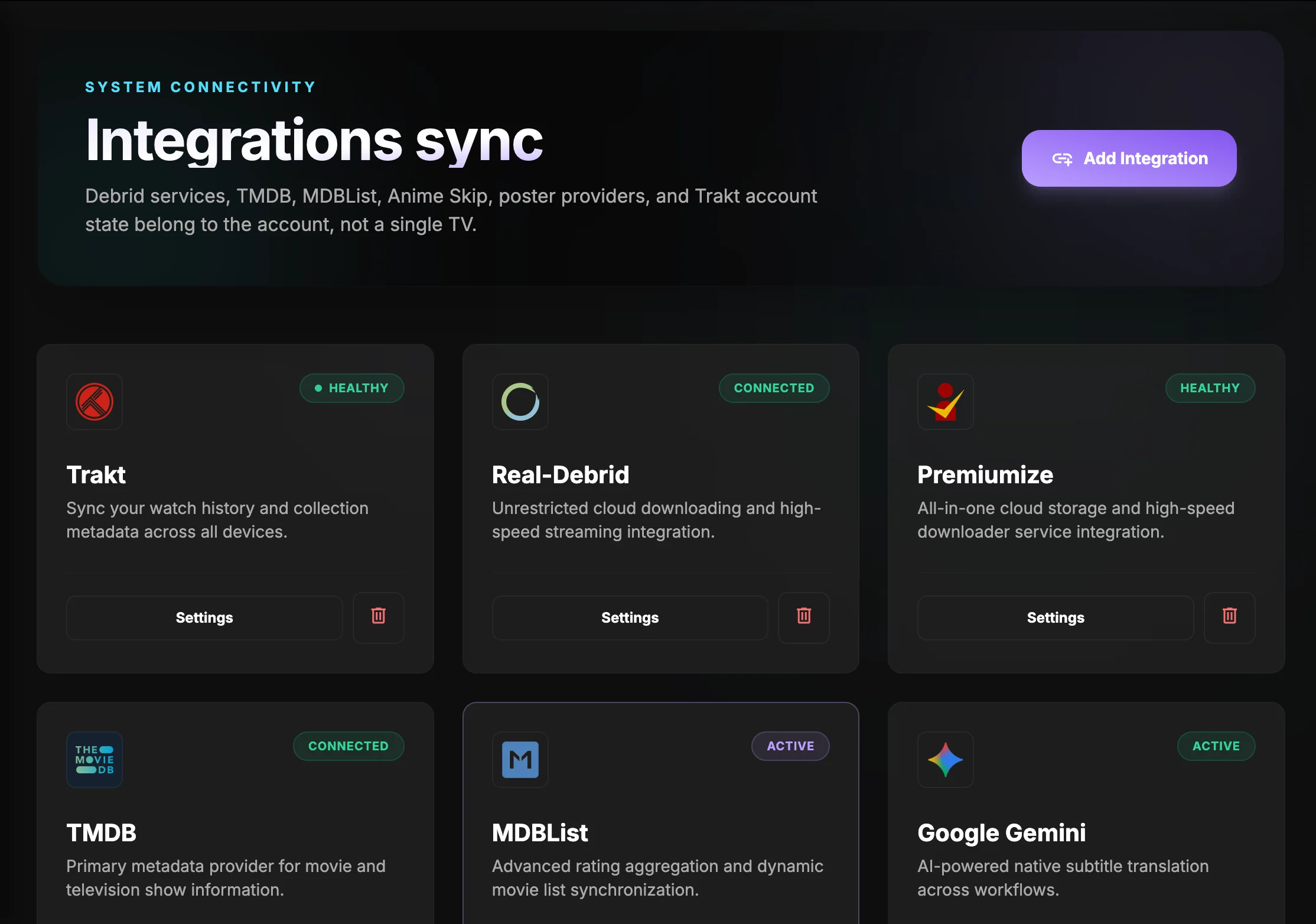 The portal workspace shows connection health, current status, and the services that are already active for the account.
App-side handoff
- Trakt: Home and Continue Watching
- MDBList: Details, Seasons, and Watching Flow
- Subtitle Translation: Subtitles and Auto-Translate
- Anime Skip and Poster Ratings: configured here in the portal and consumed by the TV app where those features appear.
What the portal still does well
- Stores account-wide settings and secrets once, then syncs them back to the TV app.
- Validates provider credentials before the account snapshot is saved.
- Keeps list ordering and sync state in one place when the account is shared across devices.
Portal reference
- Use the portal when you need to save account-wide values once instead of re-entering them on the TV.
- For ratings, OMDb is the normal path; the custom IMDb service is the advanced self-hosted path.
- For the rest, the portal keeps the account snapshot and sync state consistent across devices.
Next step
Continue with Formatter Getting Started once the account has stable data to present.